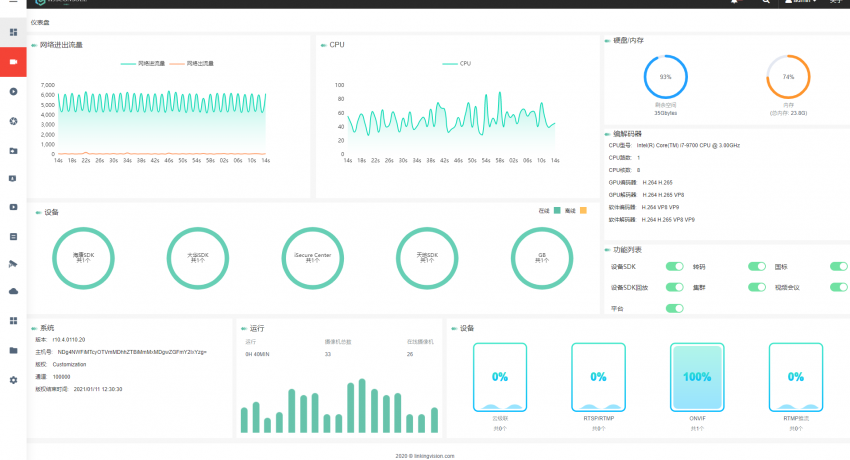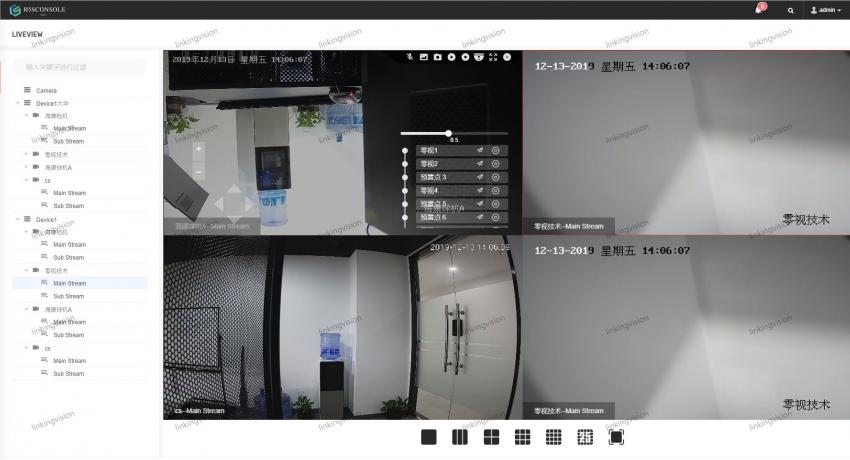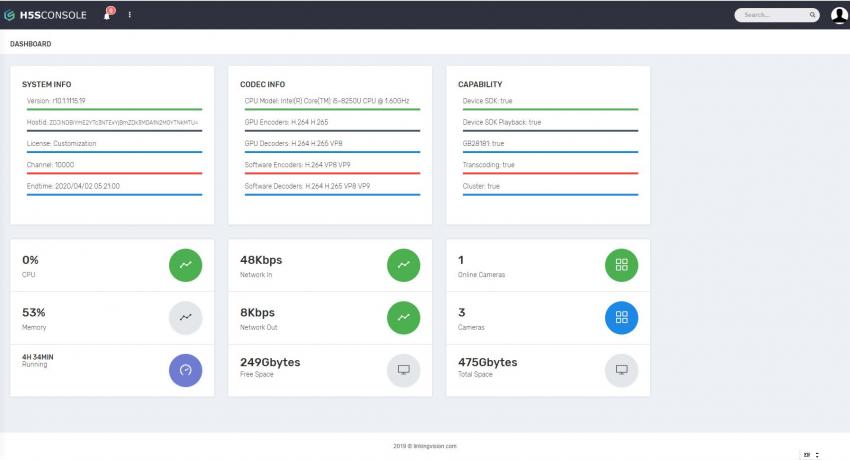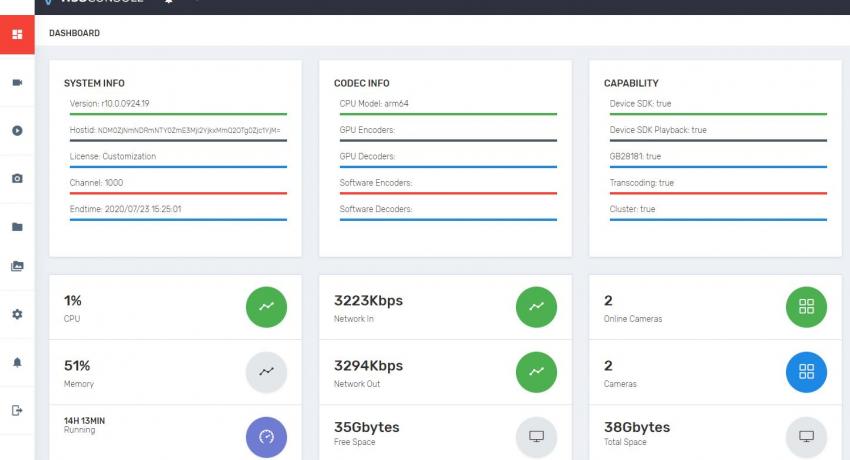

h5s 已经可以在鲲鹏CPU上稳定运行

kunpeng1

h5stream 从10.0 以后开始全面支持armv8 架构,包括鲲鹏CPU在内,支持国产的基于armv8 的多核arm CPU, 最新的版本可以在下面的的路径下载

https://linkingvision.cn/download/h5stream/armv8/ 

下载后解压,并执行  ./h5ss.sh 即可运行。注意在linux 解压, 比如 tar zxvf h5s-r10.0.0924.19-linux-armv8-64bit.tar.gz

华为云的测试环境为:

鲲鹏通用计算增强型 | kc1.large.2 | 2vCPUs | 4GB

CentOS 7.6 64bit with ARM

上述的测试用的是Centos 7,但是理论上其他操作系统也是可以的,在编译的时候我们把包括c++基础库在内的库都包含在了发布包里。

h5s r9.8 released 支持ONVIF语音对讲和HIKSDK报警

intercom

9.8 0923 2019
1. Add playback page in h5sconsole.
2. Add snapshot page in h5sconsole.
3. Add event page in h5sconsole.
4. If GB28181 device name size is 0, user GBID as device name. 
5. Add GB28181 SearchRecord support, and user can playback/archive in h5sconsole.
6. Fix Archive speed > 1.0 don't have audio issue.
7. Add html5 local storage for WS/RTC in webui.
8. Add HIK SDK motion event support.
9. Optimize AAC encoder for Video & Audio sync for mp4 record file.

h5s r9.6 released 全面支持辅码流

r96

9.6 0818 2019
1. Change src/device default H5_ALWAYS to H5_ONDEMAND.
2. Add stream=main and stream=sub for ONVIF and HIVISION SDK/DAHUA SDK.
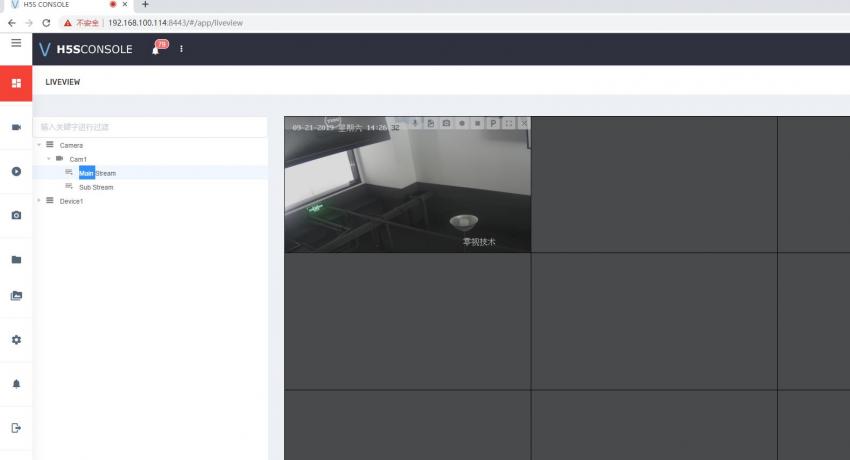
3. Add stream select(main sub) in h5sconsole.
4. Add GetSrcWithoutDevice API to get all camera which added to h5s.
5. Add autoplay in pbconf for playback from device without call start() after connect().
6. Cloud mode support dynamic  channel change.
7. Device SDK  channel support cloud push.
8. Fix playback playtime callback can't work issue.

H5S R9.5 发布

9.5 0805 2019
1. SearchDeviceRecordByTime from HIKVISION SDK time range split by 15mins
2. Add a configure to force load all the channel of Device.
3. Fix some time Linux Media SDK for GPU transcoding crash issue.
4. Fix ManualRecordStart with alwayscreate can't stop issue.
5. Fix RTMP push some time already publishing issue.
6. Fix Archive doesn't have audio issue.

h5s r9.4 发布 Linux H.265 GPU转码和软件转码 全面支持

9.4 0720 2019
1. Fix HIKVISION SDK playback pasue close lock issue.
2. Add file extension to the strFileName in the record reply.
3. Add Archive speed control parameter, max is x16. Support 1 2 4 8 16.
5. Record and Archive support H.265 in mp4.
6. H5S server playback support by filename, and support H.265 transcoding.
7. Add H265 snapshot and Getimage JPEG support.
8. Change DAHUA SDK playback time to ISO8601 format.
9. Fix some time GB28181 callid changed when there no reboot online/offline issue.

如何在正在播放HTML5实时视频中抓取一个图片并保存到本地

h5stream 提供了抓图功能,但该抓图是在h5stream 服务端进行,并且为了不影响h5stream 的运行性能,h5s只读取了I帧,所以有一定的时延,能不能在浏览器端直接抓一个png图片么,答案是可以的,新的版本已经把该功能集成到了h5sconsole, 并在h5splayerhelper.js 中加入了该函数。

1

可以参考如下代码, 也可以参考h5sconsole 的代码 https://github.com/linkingvision/h5sconsole/blob/master/src/components/widgets/liveplayer.vue 

h5s r9.3 released 支持H.265 GPU转码和软件转码

9.3 0708 2019
1. Optimize HIKVISION SDK playback control, pause/resume/seek and high speed only use I frame.
2. Add default transcoding profile H265 to H264.
3. Add HIKVISION SDK H265 live and playback support.
4. Add Intel GPU hardware (windows) H265 to H264 transcoding support.
5. Add CPU based software (windows) H265 to H264 transcoding support.
6. Add RTSP server H265 support.
7. Change diskautodelpercent from 50% to 92%.
8. WS for device SDK live view support audio.
9. Add RTSP/RTMP server AAC support.

h5s r9.2 released

9.2 0628 2019
1. Add manual record configuration to enable always record.
2. Fix record start time is not correct when there has no video like UAV.
3. Add serverpb.html to enable stream playback for the video record on h5s.
4. Add manual record start and stop in h5sconsole.
5. Fix GB28181 port range loop can't get port issue.
6. GB28181 register message as keepalive when device already exist.
7. Add GB28181 keepalive timeout configuration.
8. Fix Firefox can't play WS video issue for r9.
 

h5s r9.1 released 支持设备录像和录像日历搜索

9.1 0618 2019
1. Change 无视频信号(NO VIDEO) to small size.
2. Fix GB28181 some public network sip message crash issue.
3. Fix sometime HIKVISION SDK User ID USERNOTEXIST issue.
4. RTSP RTMP server on demand streaming support.
5. RTSP RTMP server support Device SDK.
6. Support mediastore path setting.
7. Add GB28181 G711 Audio support.
8. Add getonline option for the GetDevice and GetSrc to ignore the online status.
9. Add SearchDeviceRecordByTime for HIKVISION SDK device.